Field inspector
On an Android phone, at the farm
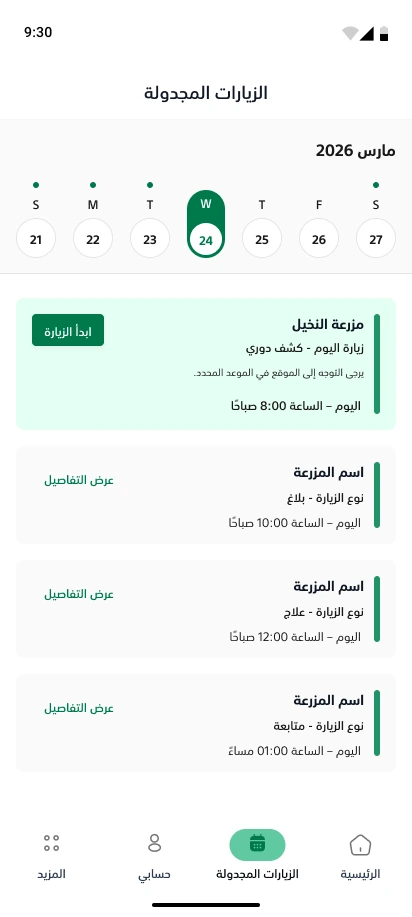
- See today's assigned visits and start one in a tap
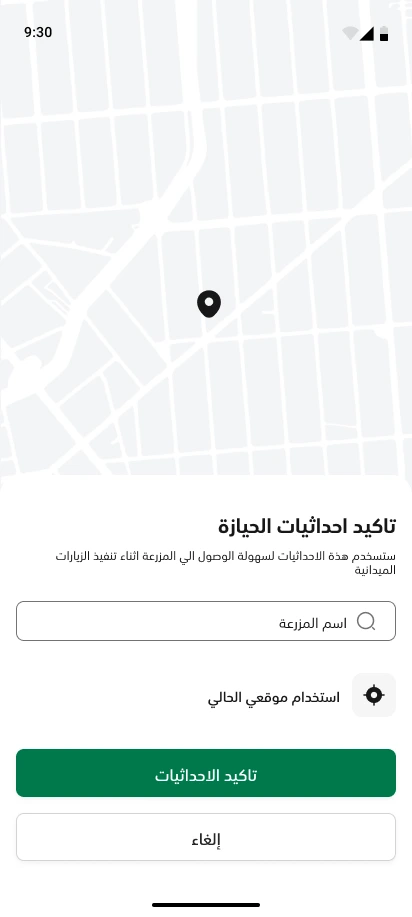
- Confirm the farm's location with GPS
- Record findings step by step and attach photos

(Case study) Government · Agriculture · Saudi Arabia
Field inspection for a national government center that protects Saudi farms from plant pests and animal diseases. An Android app for inspectors and a web portal for the teams that run them.
(Overview)
WEQAA is a Saudi government center under the Ministry of Environment, Water and Agriculture. Its inspectors visit farms across the Kingdom to register holdings, monitor crops and fight threats like the red palm weevil and the desert locust.
(03) The challenge
Inspectors work in open farmland, far from an office, and every visit becomes an official government record. The goal was to turn long inspection forms into short, guided steps, and give managers one clear view of teams, visits and reports across every region.
On an Android phone, at the farm
On the web portal, at the branch or head office
(04) Two products, one platform
The inspector journey runs on the phone, the supervision journey runs on the web. Both meet at the same farm, visit and report.
(05) Home
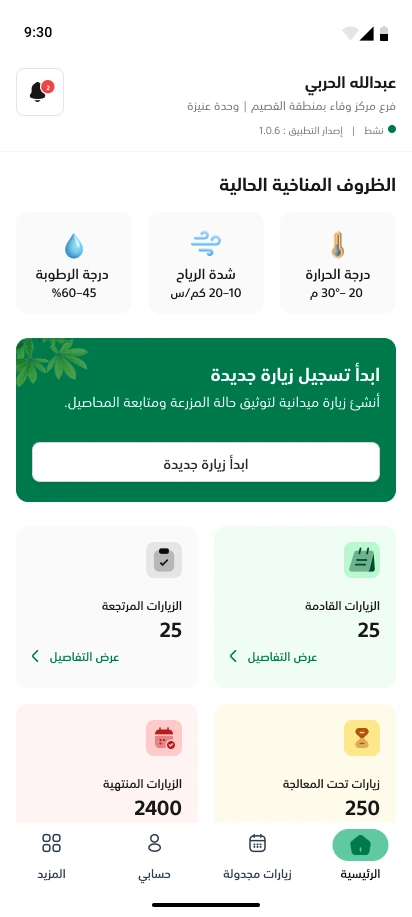
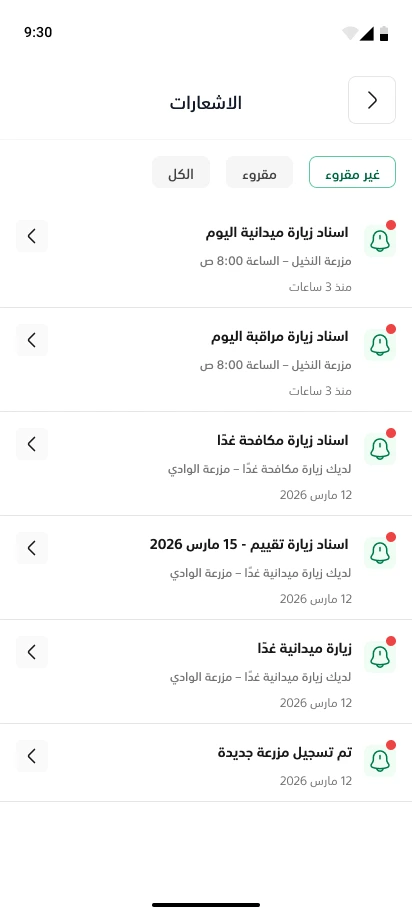
Inspectors open the app to the current field conditions, one clear call to start a new visit, and live counts for upcoming, returned, in-progress and completed visits.
(06) Field visits
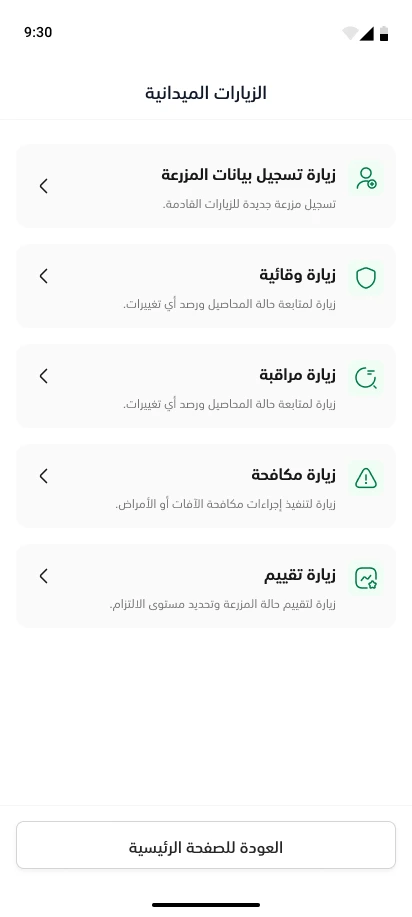
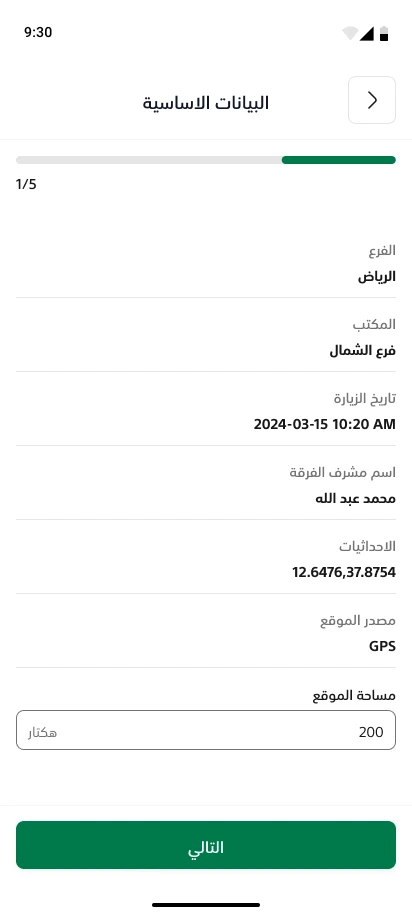
Farm registration, preventive, monitoring, control and evaluation visits share the same structure, so inspectors learn it once. Every visit starts by confirming the farm's coordinates.
(07) Desert locust
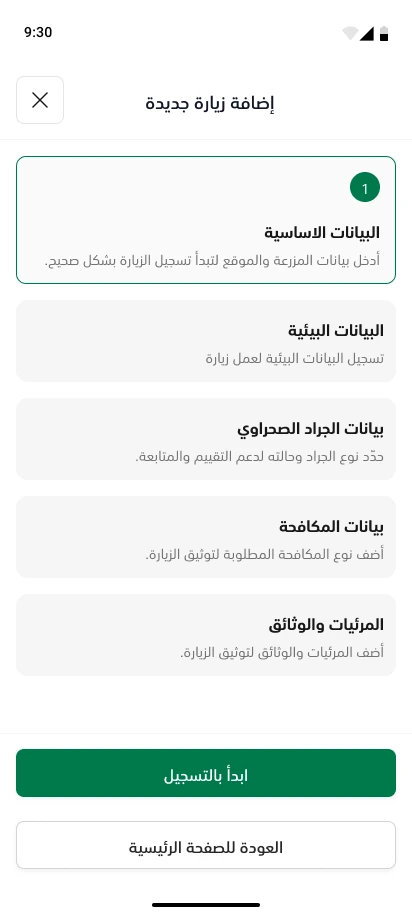
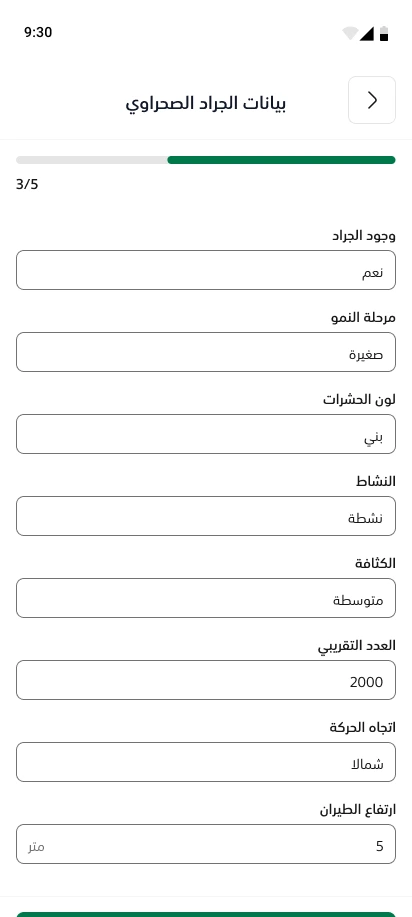
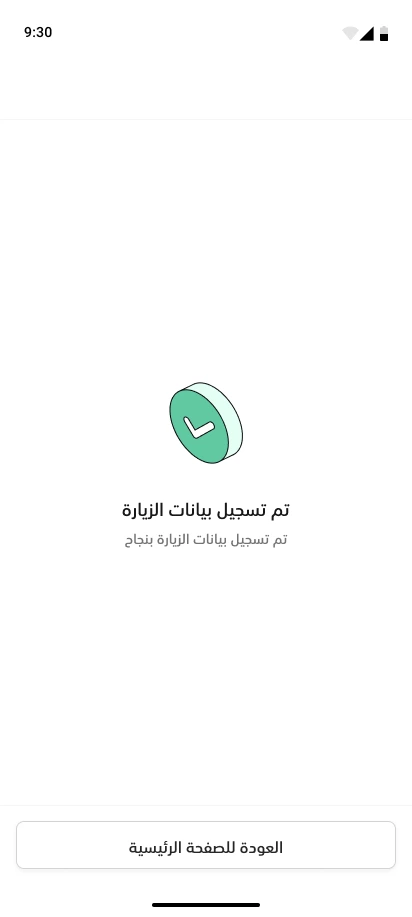
Desert locust visits break the report into basic data, environment, locust findings, control actions and attachments, with progress always in view and a clear confirmation at the end.
(08) Progress and custody
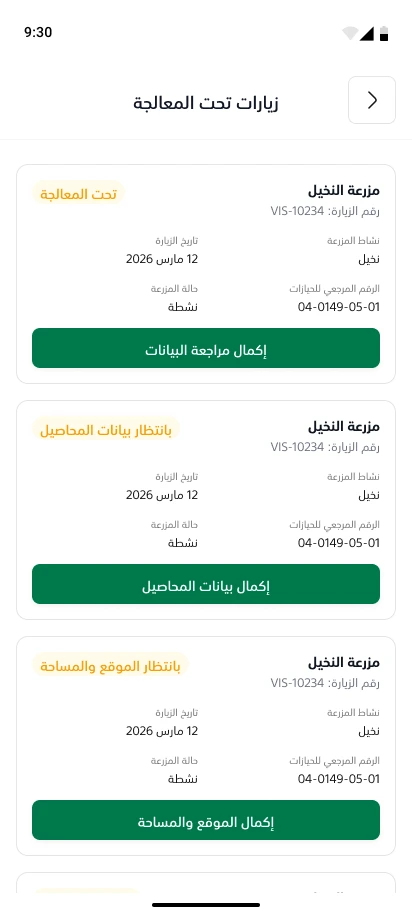
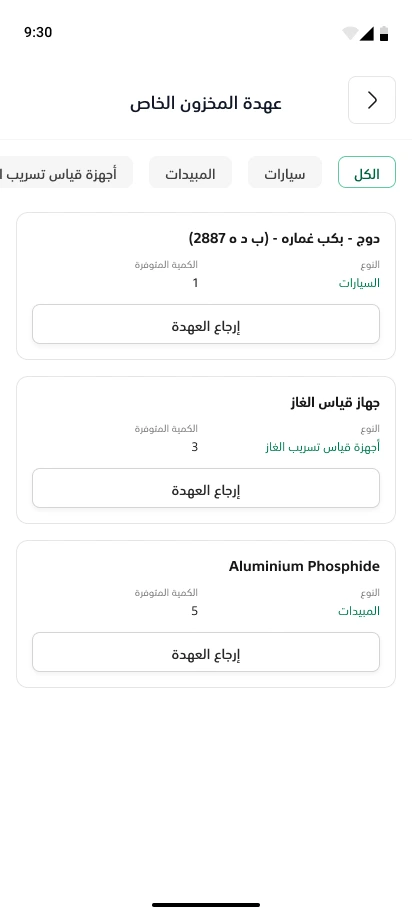
Visits waiting on data stay in their own list, each showing the exact step that is missing. Inspectors also track the vehicles, pesticides and devices in their custody and return them from the app.
(09) Operations portal
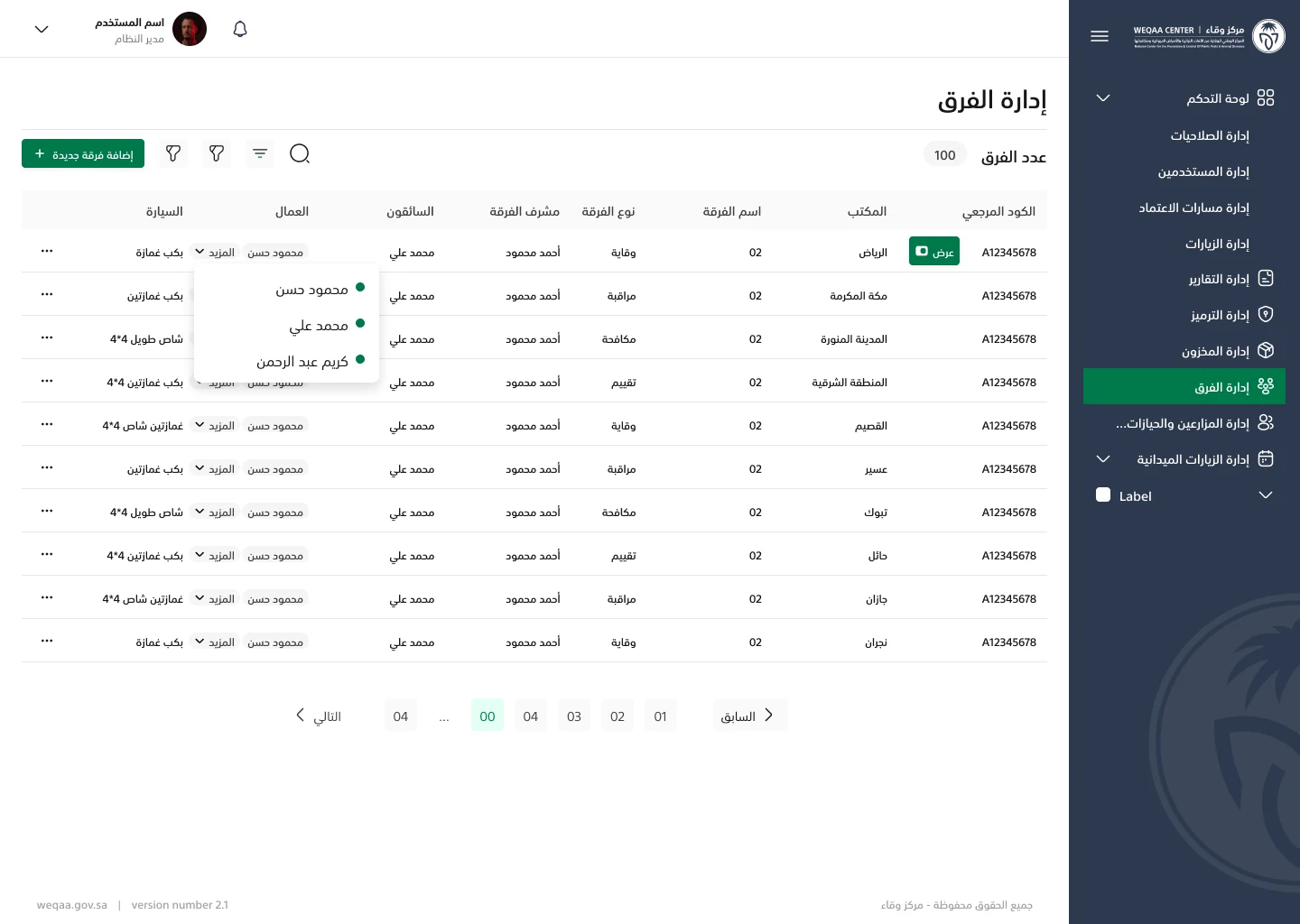
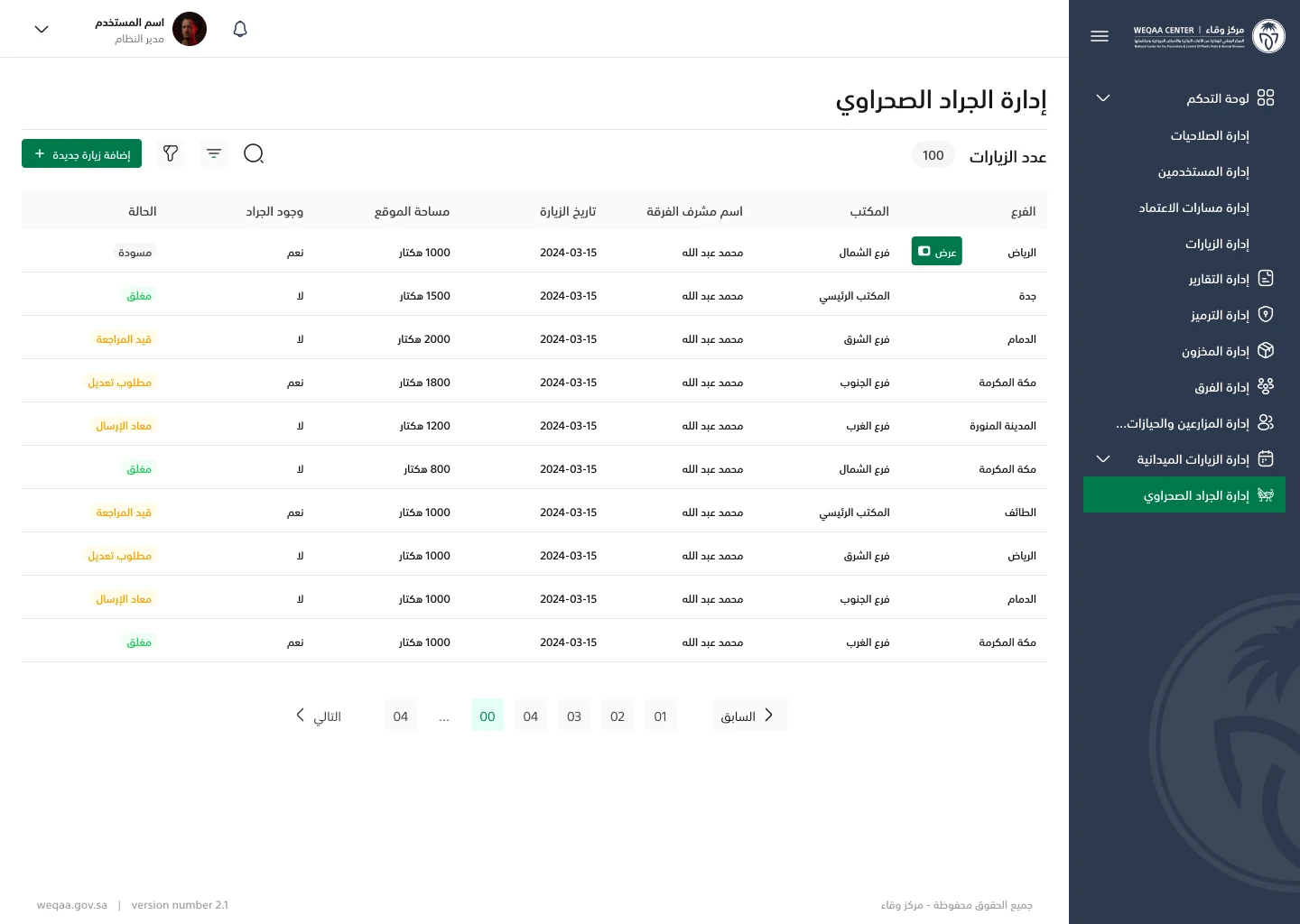
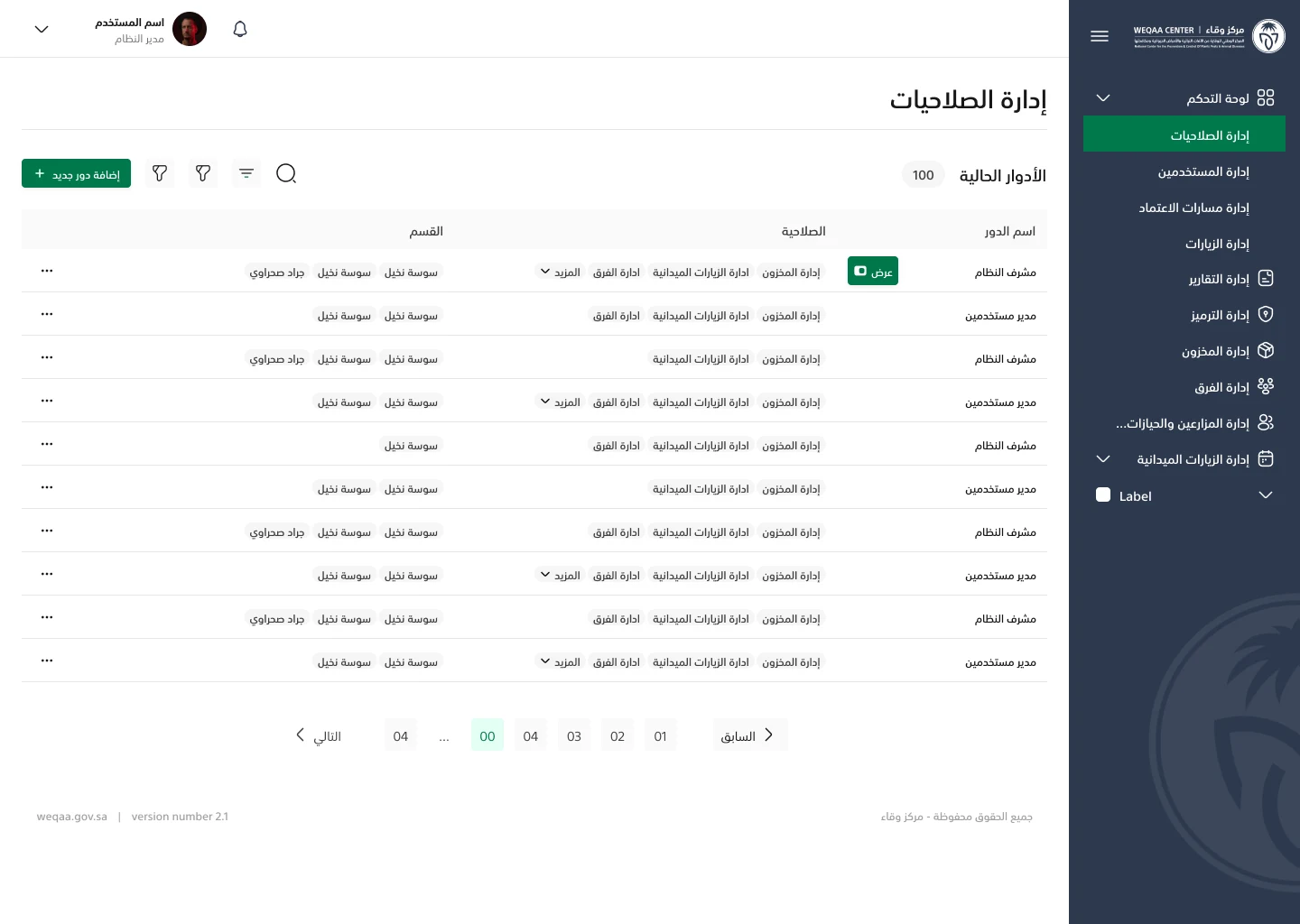
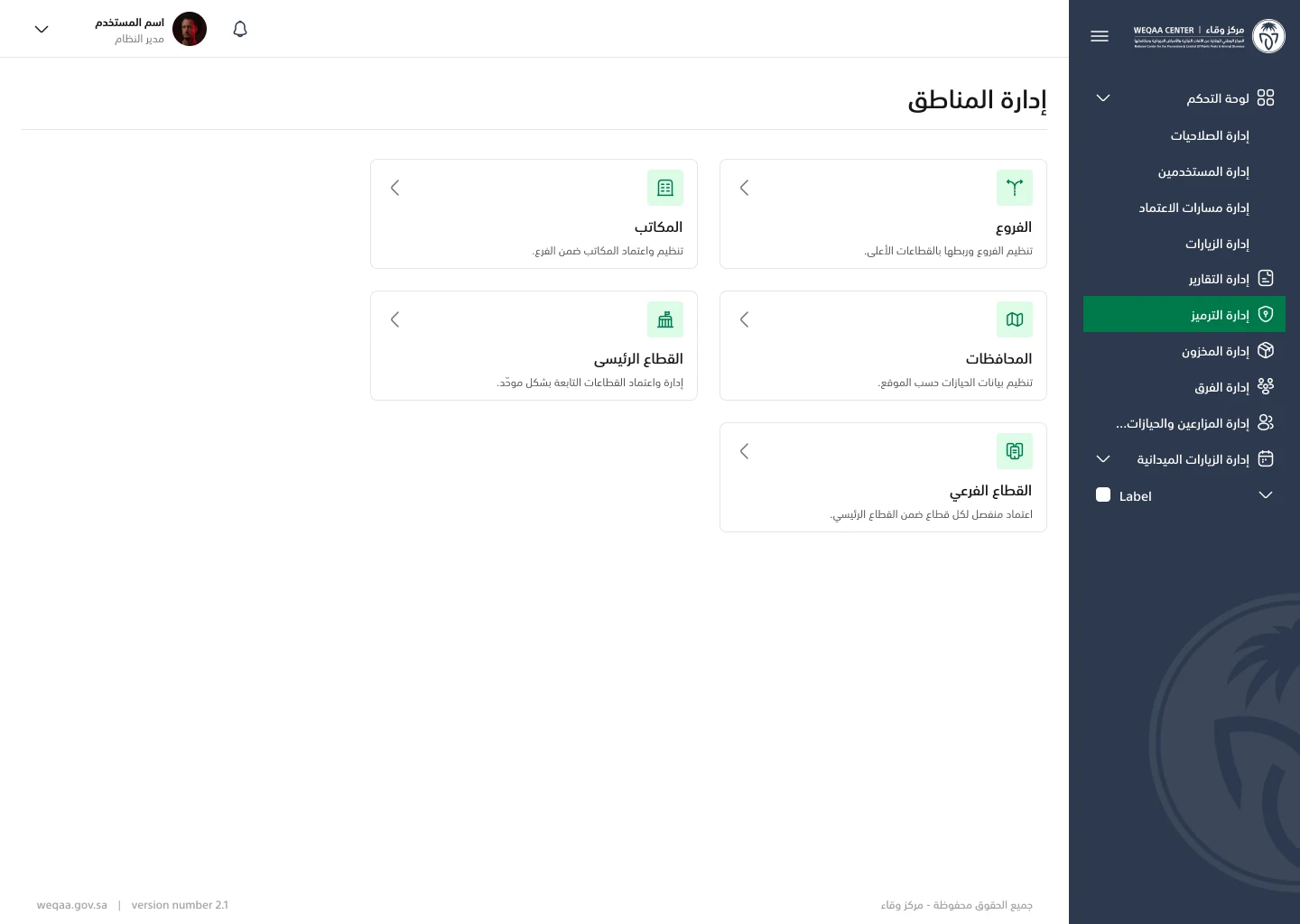
Supervisors manage field teams and their cars and crews, follow visits across regions, and control who can access each programme, from red palm weevil to desert locust.
(10) Design system
Shared foundations and components behind the Android app and the web portal, built Arabic first and right to left.
(11) Scope
An Android app and a web portal, designed Arabic first and kept consistent by one system.